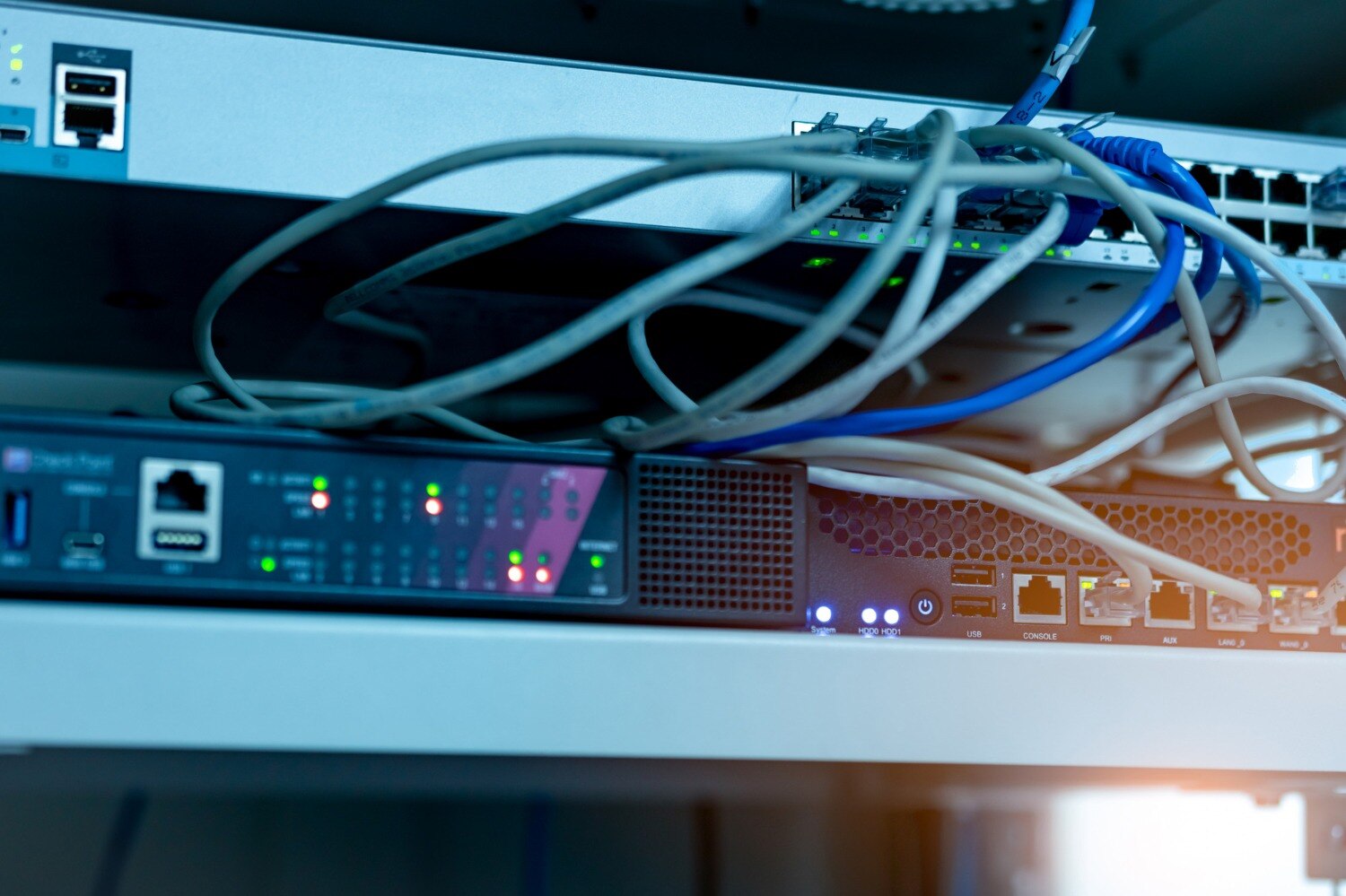
The required quantity depends on wired endpoints, peak wireless clients, floor layout, traffic, WAN capacity and the level of redundancy—not simply on employee headcount. By the end, you will be able to turn those inputs into a device-by-device bill of materials and a site-ready rental checklist.
Key takeaways
- Count wired endpoints, rooms, peak clients and backup needs—not employees.
- Add switch ports for endpoints, uplinks, PoE devices and spare capacity.
- Size access points for client density, building materials and peak traffic.
- Confirm rack space, power, cabling, WAN details and handover testing before booking.
Calculate the Quantity from Endpoints, Rooms and Failure Tolerance
To calculate how much network equipment to rent in Gurugram, count connections rather than employees. Build a starting bill of materials from wired endpoints, rooms, peak wireless clients and the failure level the site can tolerate.
- Count wired endpoints: laptops at desks, printers, cameras, VoIP phones, access points, servers and management devices. Add the switch ports each connection consumes.
- Add spare capacity for growth, substitutions and late requirements. A practical starting point is 20% spare switch ports, then round up to complete switch sizes.
- Count rooms and floors to identify where switches, patch panels and cable runs must sit. A room with cameras, phones and presentation equipment needs more ports than a room used only for hot desks.
- Estimate wireless demand by peak concurrent clients and room conditions, not employee headcount. Use an RF survey or predictive design to check coverage, capacity, building materials and interference.
- Set failure tolerance: decide whether one failed switch, access point or uplink can stop the site. That decision adds spare units, dual uplinks or duplicate equipment.
Record the assumptions beside every quantity: endpoint count, client peak, room layout, port total, PoE demand, WAN handoff, VLAN separation and rental duration. Confirm power, earthing, rack or table space, cable routes, delivery access and internet availability before booking; a correct device count still fails without a usable installation path.
Size Switches, Ports, PoE and the Physical Connectivity Path
A 24-port switch is enough only when the calculation leaves usable spare ports. Count every wired endpoint—desktops, printers, cameras, VoIP phones, access points and management devices—then add ports for growth, substitutions and last-minute connections. Divide that total by the switch’s usable access-port count and round up.
A complete connectivity path also includes switch uplinks, router or firewall interfaces, and separate ports for server, CCTV, access-control and guest VLANs. Keep uplink capacity separate from access capacity: a fully loaded 1-Gigabit access switch with only a 1-Gigabit uplink can become a traffic bottleneck.
Check these network equipment rental requirements before choosing a switch:
- Confirm PoE demand per device. IEEE 802.3af supplies up to 15.4 W at the switch, 802.3at up to 30 W, while 802.3bt supports higher-power equipment. Check the switch’s total PoE budget, not just its port count.
- Specify one or more spare switches when a failed device would interrupt operations, and reserve spare ports on every active switch.
- Count one patch panel port, patch lead and permanent cable run for each copper endpoint; include fiber patch panels and transceivers for fiber uplinks.
- Record the WAN handoff: Ethernet or fiber, copper or optical demarcation, VLAN tagging, public or private addressing, symmetrical bandwidth and latency requirements. A switch cannot fix an unavailable or undersized circuit.
Plan Access Points from Capacity, Coverage and Building Conditions
There is no safe access-point count from employee headcount alone: determine it through a predictive design or onsite RF survey. A business networking equipment rental gurugram plan should record peak concurrent clients, room layout and application traffic as assumptions.
Check each area for:
- Coverage: signal strength in enclosed rooms, corridors and working edges
- Capacity: peak users, video calls, cloud applications and high-throughput devices
- Interference: overlapping channels, neighbouring networks and co-channel contention
- Construction: concrete slabs, metal partitions, glass, lift cores and dense walls
A manufacturer’s maximum-client figure is not a deployment target. A crowded training room may need more AP capacity than several lightly occupied offices, while reducing transmit power and adjusting channel width can prevent interference. Place APs according to the survey, not at equal distances on a floor plan.
Do not count an outdoor or inter-building bridge as an ordinary indoor AP. Confirm line of sight, Fresnel-zone clearance, mounting height, weather protection, grounding and the permitted frequency plan; obstructions can reduce a radio link’s usable capacity far below its headline rate.
Keep guest, staff, production, building-management and payment traffic separated with VLANs, inter-VLAN firewall rules and client isolation. That requirement can add AP, switch and security capacity beyond the basic room count.
Match Routers, Firewalls and WAN Links to Traffic and Segmentation
A single router-firewall appliance is enough when the site has one WAN circuit, one security boundary and no outage tolerance requirement. Add a separate router, firewall or SD-WAN appliance when the provider handoff, VPN workload or routing policy exceeds that device’s interfaces and throughput.
Add these quantities to the bill of materials:
- WAN circuit: confirm whether the venue supplies internet or you must arrange it, then specify symmetrical bandwidth, public or private addressing, VLAN tagging and the handoff as Ethernet, copper or fiber.
- Edge interfaces: reserve one WAN interface for each circuit and enough LAN or transit interfaces for the core switch, firewall and any separate service network.
- Firewall capacity: size for encrypted VPN throughput, concurrent sessions and peak traffic, not the appliance’s headline port speed.
- Segmentation: use VLANs for staff, guest Wi-Fi, servers, printers, CCTV and access control; this usually adds configuration and trunk capacity rather than a firewall for every segment.
- Redundancy: rent a second compatible router or firewall, matching licenses, failover links and configuration when an outage is unacceptable. A spare powered off in storage is not automatic failover.
Check latency and packet loss for voice, video or remote desktops. Extra equipment cannot repair an undersized WAN circuit.
Use Scenario-Based Bills of Materials Instead of Employee Headcount
A usable answer to how many network devices to rent starts with concurrent clients, wired ports, rooms and failure tolerance—not employee headcount. Use these planning bills of materials, then adjust after an RF survey and port calculation.
| Scenario | Starting rental bill of materials | Assumptions |
|---|---|---|
| Small office | 1 PoE switch, 2 access points, 1 firewall/router | 12–24 wired ports, 20–40 peak wireless clients, single internet link |
| Multi-floor office | 1 PoE switch and 2–4 access points per floor, 1 firewall/router, 1 spare access point | Separate coverage checks per floor; add fibre uplinks when floors exceed copper distance |
| Conference | 1–2 PoE switches, 2–6 access points, 1 firewall/router | Size for peak concurrent attendees and video or cloud traffic, not registrations |
| Training room | 1 24- or 48-port PoE switch, 1–2 access points, 1 firewall/router | One device per seat does not mean one network device per attendee |
| Project site | 1–2 switches, 2–6 access points, 1 firewall/router, 1 spare switch or access point | Confirm temporary cabling, uplink capacity and backup WAN |
| Multi-location deployment | A separate switch, access-point set and firewall/router per site, plus one spare shared unit | Each site needs its own VLAN, DHCP, security and WAN design |
Treat switch uplinks separately from access ports; many 1-Gbps ports can overwhelm a 1-Gbps uplink. Include SSIDs, VLANs, credentials, firewall rules and acceptance testing in the handover.
Verify the Site and Handover Details Before Booking Equipment
Confirm the venue before increasing the quantity: a suitable switch or access point is useless if the building lacks power, cable routes, rack space or permission to mount equipment. Gurugram network equipment rental requirements should be recorded in a site checklist.
1. Inspect power circuits, earthing, rack or table space, cable routes, mounting permissions, access hours, lift and loading limits, security entry and the delivery window.
2. Confirm the WAN handoff: Ethernet, fibre or copper; the demarcation point; public or private IP addressing; VLAN tagging; symmetrical bandwidth; latency-sensitive applications; and whether the venue supplies internet or you must arrange it separately. Equipment cannot fix an absent or undersized circuit.
3. Put the handover in writing: SSIDs, authentication, VLAN IDs, DHCP scope, DNS, firewall rules, administrator credentials, monitoring, configuration backups, labels and an acceptance test. Separate guest, staff, production, payment and building-management traffic with VLANs and firewall policies.
4. Agree the failure plan and PoE capacity. Check IEEE 802.3af, 802.3at or 802.3bt support, plus the switch’s total wattage budget. Decide whether one router, firewall, core switch or controller can fail; N+1 requires compatible units and failover links.
For business networking equipment rental in Gurugram, ask US IT Services 09910672666 to state delivery, installation, replacement and acceptance-test responsibilities beside every quantity.
Related product
 | Networking Equipment on Rent | Reliable & Scalable IT Solutions Looking for networking equipment on rent for office, corporate, events, or temporary projects? US IT Services... View product → |
Frequently asked questions
How many network devices should a business rent in Gurugram?
Count wired endpoints, rooms, peak wireless clients and the failure level your site can tolerate, then build a scenario-based bill of materials instead of using employee headcount.
How do you calculate the number of network switch ports required?
Add ports for wired endpoints, access points, phones, printers, cameras, uplinks and planned spare capacity. Check PoE wattage and the physical cable path before selecting switches.
How many wireless access points does a temporary site need?
Plan access points from peak client capacity and traffic, then adjust for room size, walls, floors, building materials and interference. A floor plan and an on-site survey produce a more reliable count than square metre estimates alone.
What router and firewall equipment should a business rent?
Match the router and firewall to WAN throughput, expected traffic, VPN sessions, VLANs, guest access, security rules and required failover. Document the internet handoff and segmentation requirements before booking.
What should you verify before renting network equipment?
Confirm rack or table space, power sockets, cable lengths, connector types, WAN handoff, configuration responsibility, delivery timing, asset records and handover testing.
Keywords